Never Miss, for med spas

Don't let new leads go cold.

Missed calls and new inquiries get a text back right away, and leads who go quiet get automatic follow-ups, so fewer of them slip away.
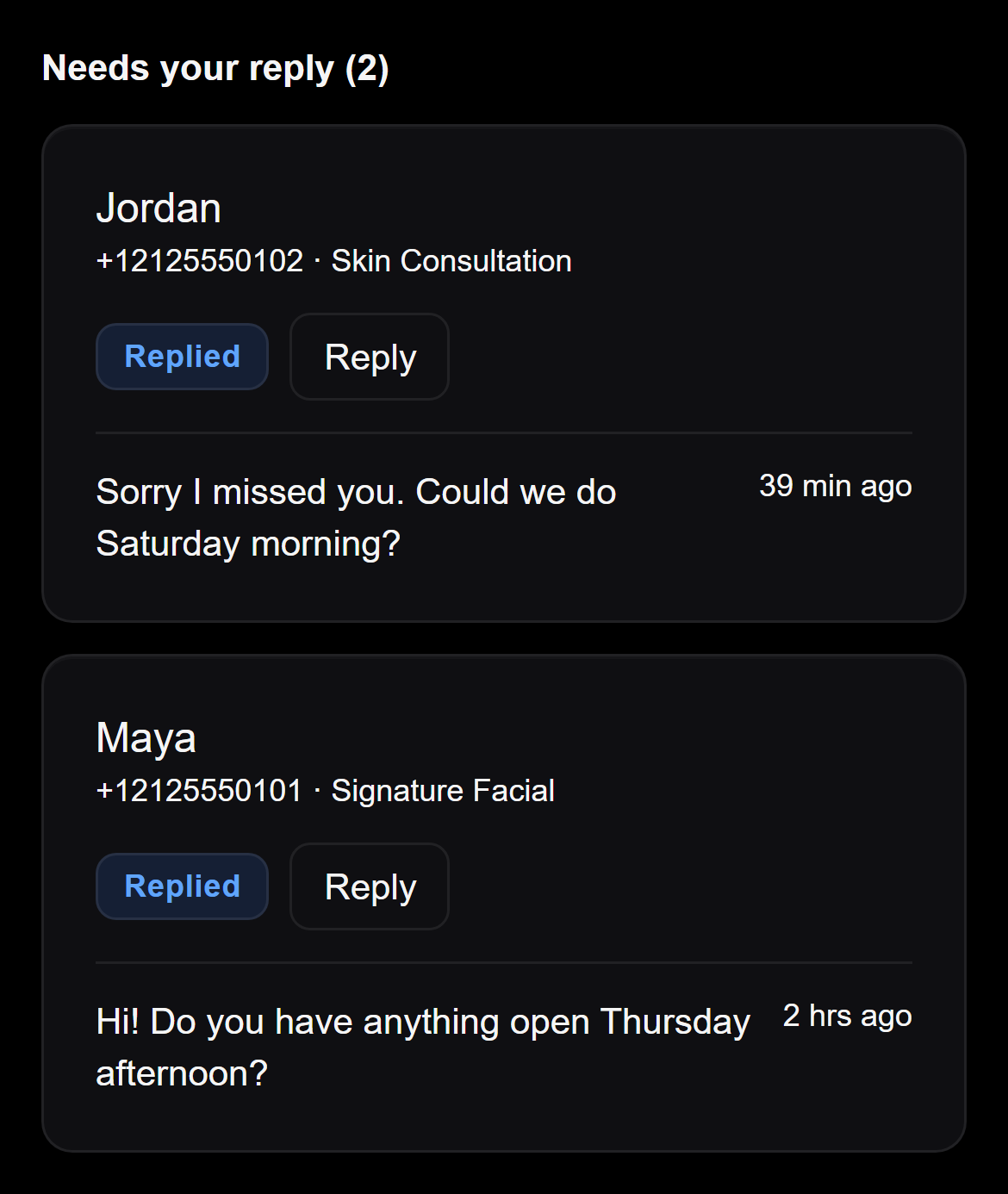
ConversationsExample
Example screen from Never Miss, with made-up leads. Under the heading Needs your reply (2), Jordan and Maya each have a Replied label and a Reply button. Jordan's text reads: Sorry I missed you. Could we do Saturday morning? Maya's text reads: Hi! Do you have anything open Thursday afternoon?

Built for med spas

  • Made for appointment businesses, where a missed call can mean a lost booking
  • Calls and web forms both start a conversation
  • Texts go out only between 8am and 9pm, your local time
  • You choose which automations are on

How it works

From first contact to one clear view

Here is what happens after a lead reaches you.

  1. A lead calls or fills in a form.
  2. Never Miss sends an instant text back.
  3. It follows up automatically if they go quiet.
  4. You see it all in one place.

What you see

Everything that needs you, in one place

These are real Never Miss screens and emails, filled with made-up example leads.

Every lead, and what happens next

Each lead shows its status and what is due next. When someone has replied, their message sits right there with a prompt to answer.
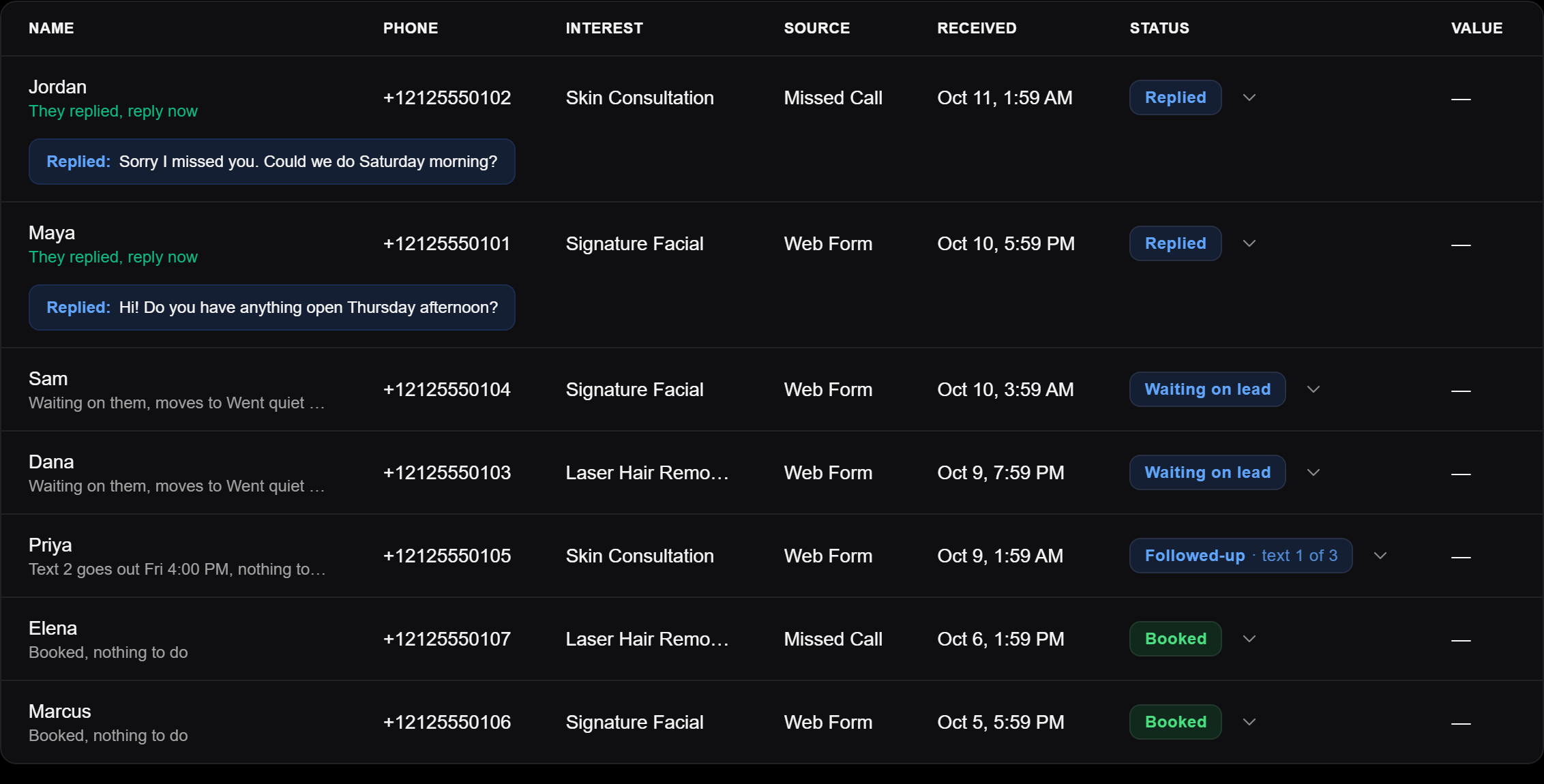
LeadsExample
Example Leads table from Never Miss, with made-up leads. Jordan and Maya show the prompt They replied, reply now, each with the message they sent. Sam and Dana show Waiting on lead, Priya shows Followed-up, text 1 of 3, and Elena and Marcus show Booked.

Needs your reply

Answer from one place

Every reply from a lead is grouped by person. The ones waiting on you come first, and the ones you have already answered are kept below.

Open a conversation and type your reply right there.

ConversationsExample
Example Conversations screen from Never Miss, with made-up leads. Under Needs your reply (2), Jordan and Maya have each sent a text. Maya's card is open with a box that reads Reply to Maya and a Send button. Under Answered (2), Sam and Dana show the lead's message and, marked You, the reply the business typed back.

In your inbox

Emails that come to you

The same facts you see in the app, sent to the alert emails you choose.

A Monday summary

Every Monday at 8am your time, a short email about last week: new leads, bookings, and what needs you. You can switch it off in Settings.
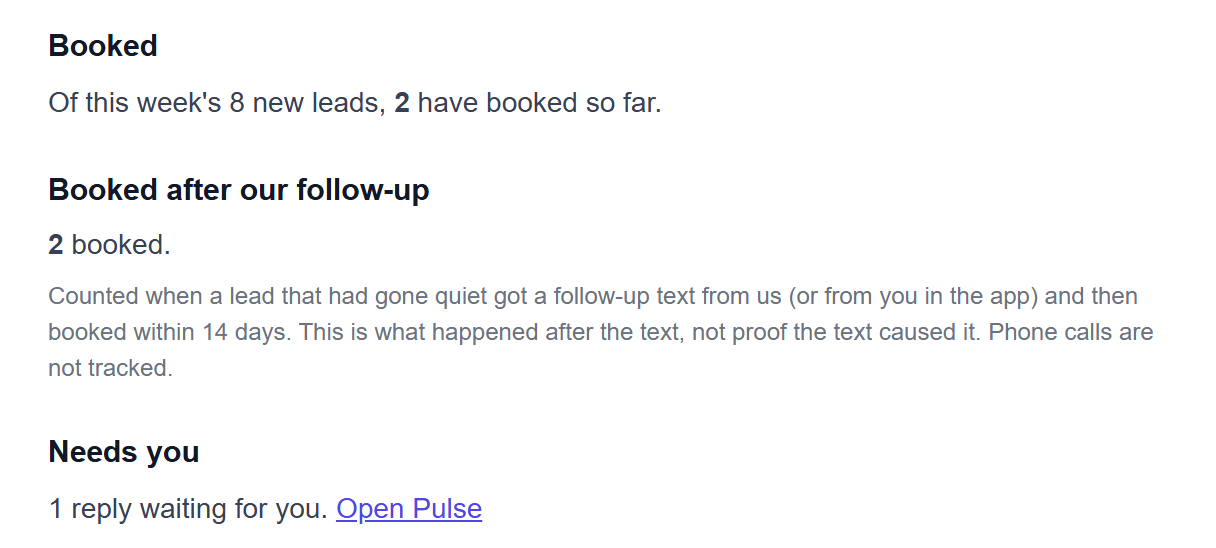
Sample Med Spa: your week (Oct 5 to Oct 11)Example
Example of the Monday summary email, with made-up numbers, showing part of the message. Booked: Of this week's 8 new leads, 2 have booked so far. Booked after our follow-up: 2 booked, with a note that this is what happened after the text, not proof the text caused it. Needs you: 1 reply waiting for you, with an Open Pulse link.

An alert when leads need a person

When leads were contacted but have not booked or replied, an alert email lists them so you can follow up yourself.
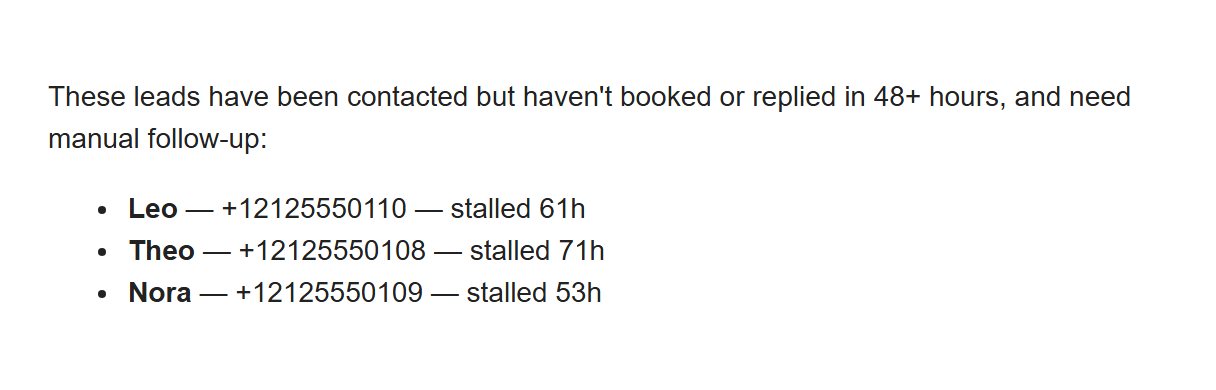
Sample Med Spa: 3 leads need manual follow-upExample
Example of an alert email, with made-up leads. It reads: These leads have been contacted but haven't booked or replied in 48+ hours, and need manual follow-up. It then lists Leo, Theo and Nora, each with a made-up phone number and the hours they have been stalled.
DashboardExample
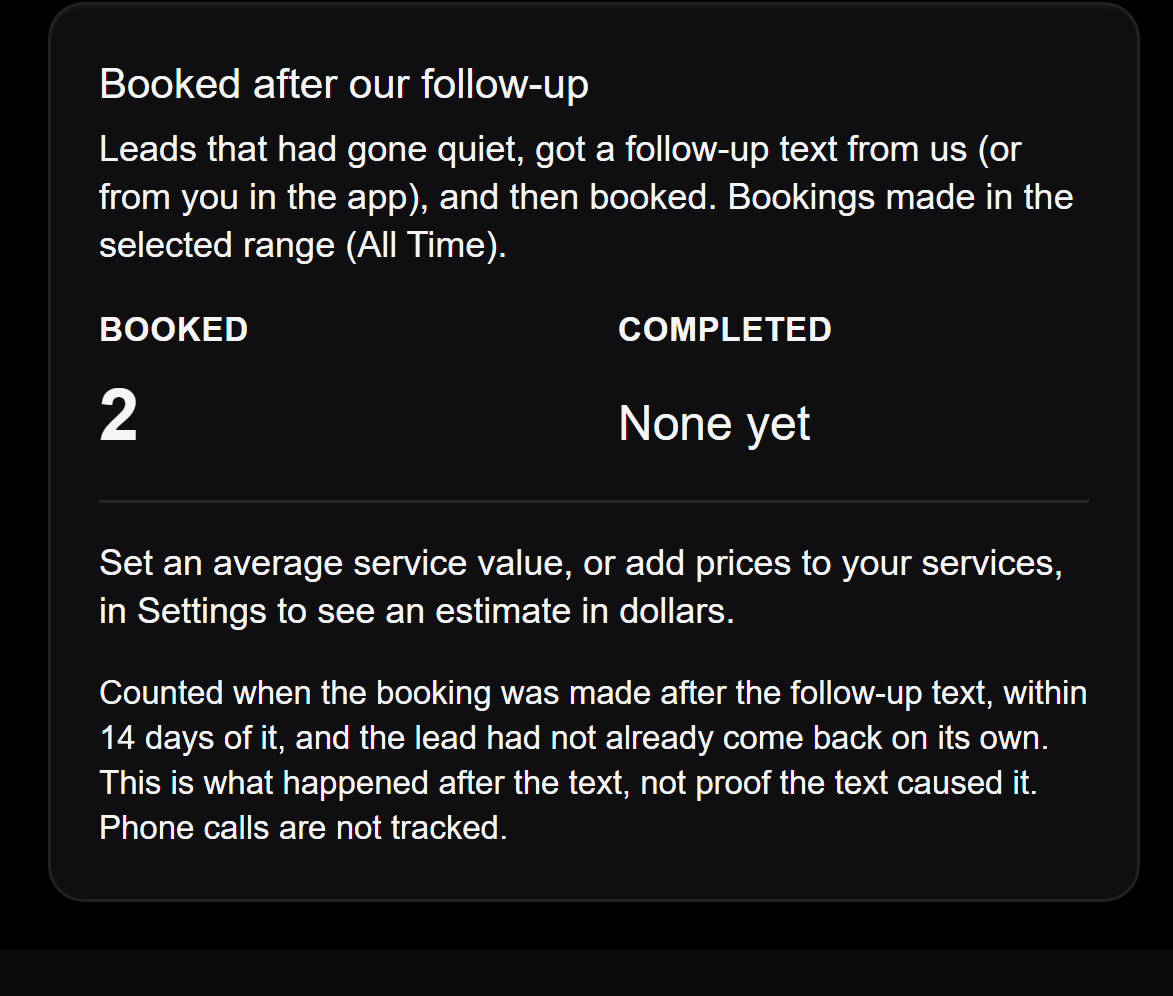
Example Booked after our follow-up card from Never Miss, with made-up numbers. It reads: Leads that had gone quiet, got a follow-up text from us (or from you in the app), and then booked. Booked: 2. Completed: None yet. A note says the count is what happened after the text, not proof the text caused it, and that phone calls are not tracked.

Results

Booked after our follow-up

A count of leads who had gone quiet, got a follow-up text, and then booked within 14 days.

It shows what happened after the text. It does not prove the text caused the booking. Phone calls are not tracked.

Your settings

You choose what runs

Switch each automation on or off, and open Customize to change its wording and timing.

AutomationsExample
Example Automations screen from Never Miss. Instant Lead Reply and Follow-up Nudge are switched on. Under More, Booking Confirmation and Appointment Reminder are switched off. Each has a Customize link.
Founding pilot

Working with a small number of founding med spas.

Want to see Never Miss?

Send us a note and we will set up a short meeting.